
Welcome to EasyWeb Computing
Using the online world to make real world changes.
Easy to Navigate & Locate Information
A Single Scrolling Page
From our top menu or from links on the home page, all of the information your parents and supporters need to find can be quickly and easily accessed.
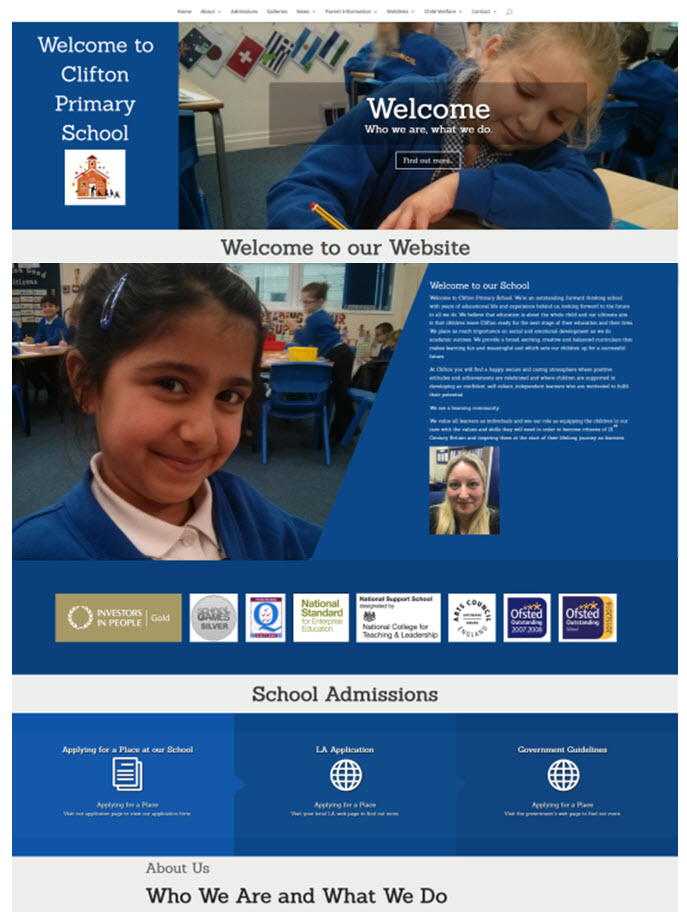
Website Components in Detail
The Menu Bar
links
Anchor links
Use the top menu to jump down the main page to the information your need to find.
Page Links
Where there is a dedicated page the menu will take you straight there, away from the home page.
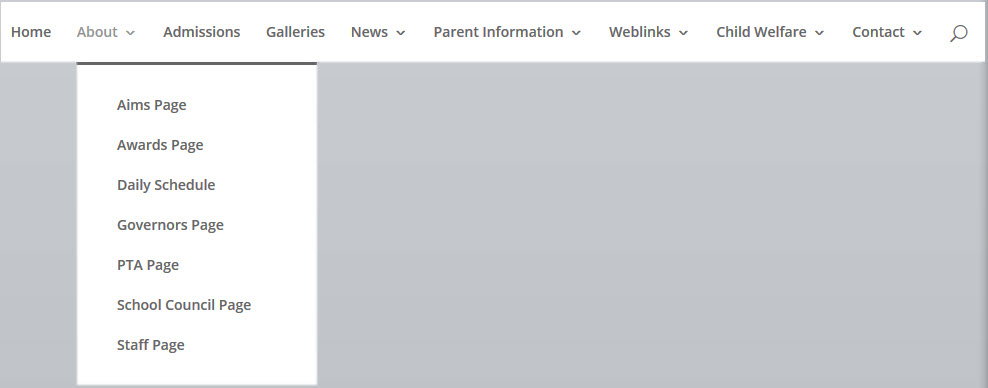
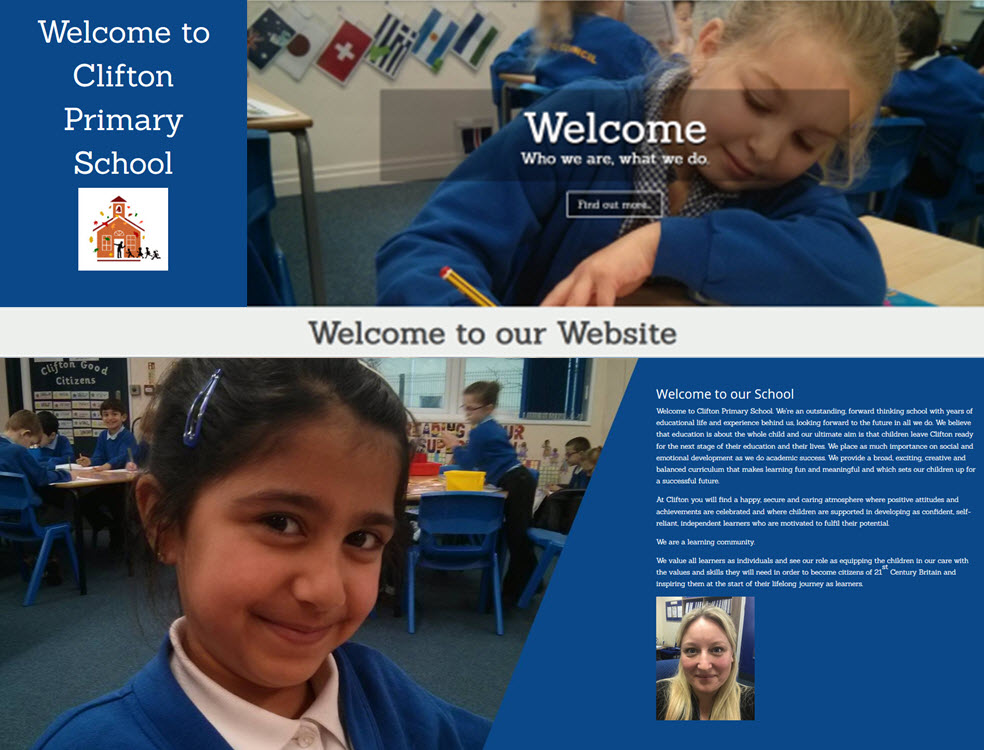
Image Menu Links
Welcome message
School Name and Logo
It is important to use your brand so we make sure that the first thing your website viewers see is your logo attached to a welcome title.
Highlighted Information
Here we celebrate school life with excellent images of children at school. There are text overlays above these images which provide single click links to important information.
Head Teacher Welcome
Your head teacher welcome message is prominently placed near the top of the page. It sets the tone for the webiste. You can either have a head teacher image here or just the text.
Featured Image
We sit alonside this message another image of school life to give your website viewers a taster of the classroom environment.
About Us
all together
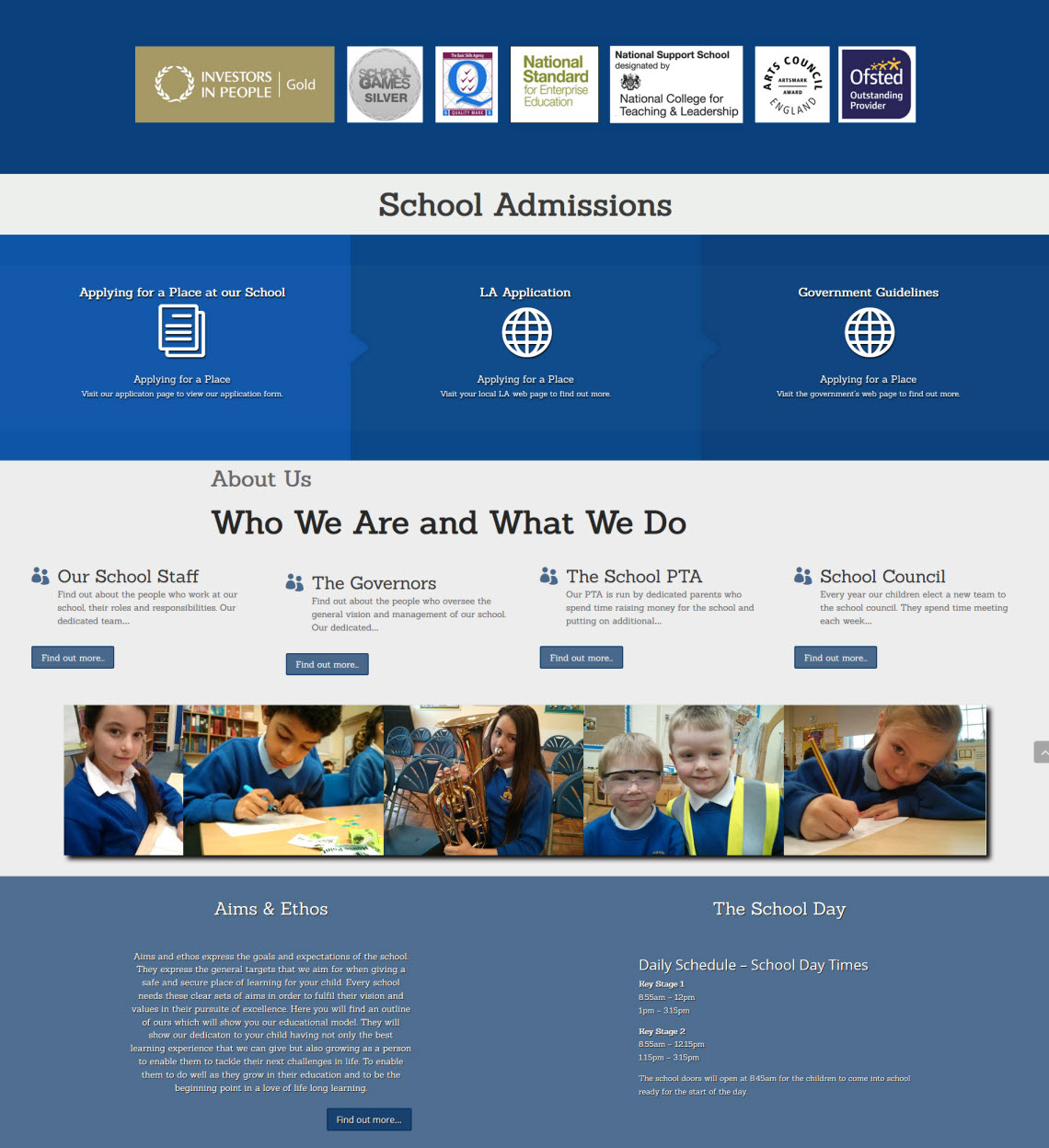
Awards
Not all schools want to have their awards displayed prominently at the top of the page, but there is space here if you choose to have this option.
Admissions
If you have a specific admissions policy or document you can have it displayed here along with links to your LA and government admissions advice website.
About Us
This section has links to the four main groups of people who influence school, the staff, governors, PTA and school council. Each has its own dedicated page with news feed (the PTA and school council may not wish to have a news feed which is fine). There is a ‘Find our more…’ button to take the website viewer to each page.
Aims and Ethos
Here was have a short paragraph explaining what the terms ‘aims’ and ‘ethos’ express along with a button to take the website viewer to a dedicated page where your aims and ethos is outlined. This page also have room to house the school vision statement or document if you have one.
The School Day
The daily schedule should show the opening and closing time of school. It should outline the times for Key Stage 1 and Key Stage 2 (especially if there is a difference in lunch time and closing time change over periods. It can also have the times for school assemblies as well as afternoon break.
News Feeds
Easy to access
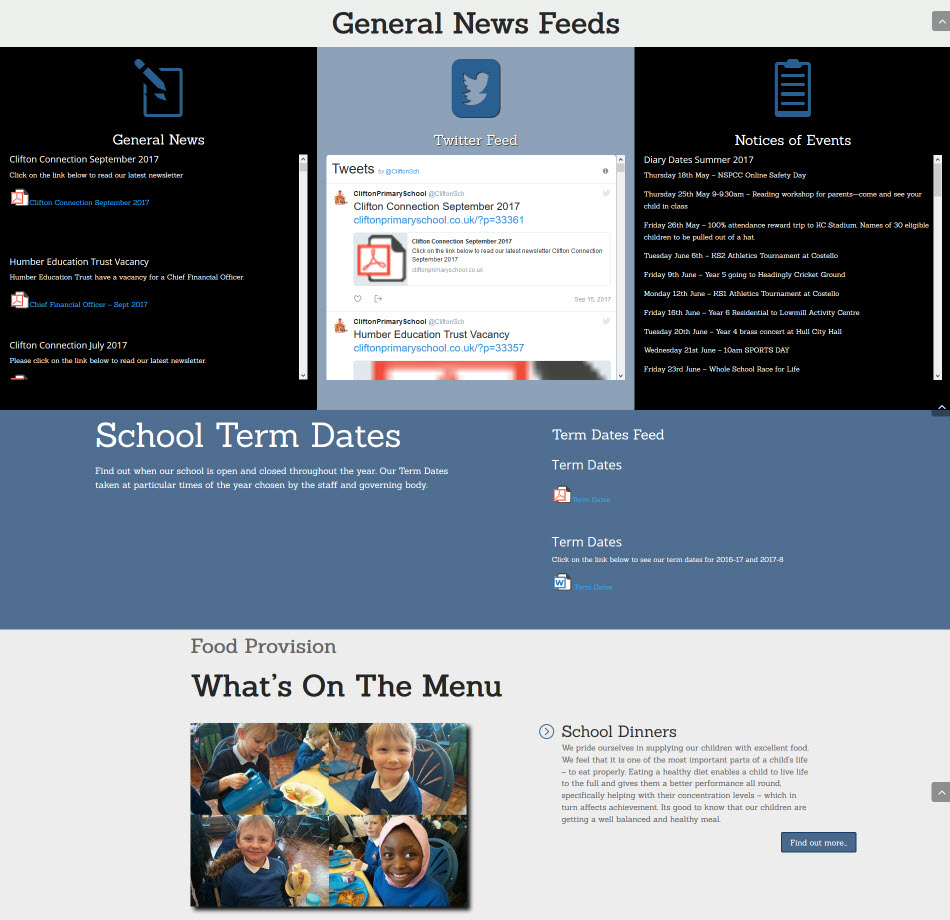
The General News
This is not only the area where all school newsletters are located but also any item that would be classed as a blog post, that is any information that you wish to communicate to your parents and supporters about school life.
Twitter Feed
We embed the school’s Twitter feed into the website to encourage parents and supporters to use their Twitter accounts and phone apps to follow school activities.
Notices of Events
The notices of events feed helps parents and supporters see at a glance what is happening in the coming term. It is a quick reference list that is also easy to update if any dates get changed mid-term.
Term Dates
The term dates feed displays posted documents that show the schools opening and closing times for each year. These are one-click documents that instantly show the school year dates both for this year and the coming year.
School Dinner Menu
We have a dedicated page to school dinners. On the front page is an image showing school dinners in action and some overview text as to why school dinners are important. A ‘Find out more…’ button takes the website viewer to the dedicated page.
Essential Information
& galleries
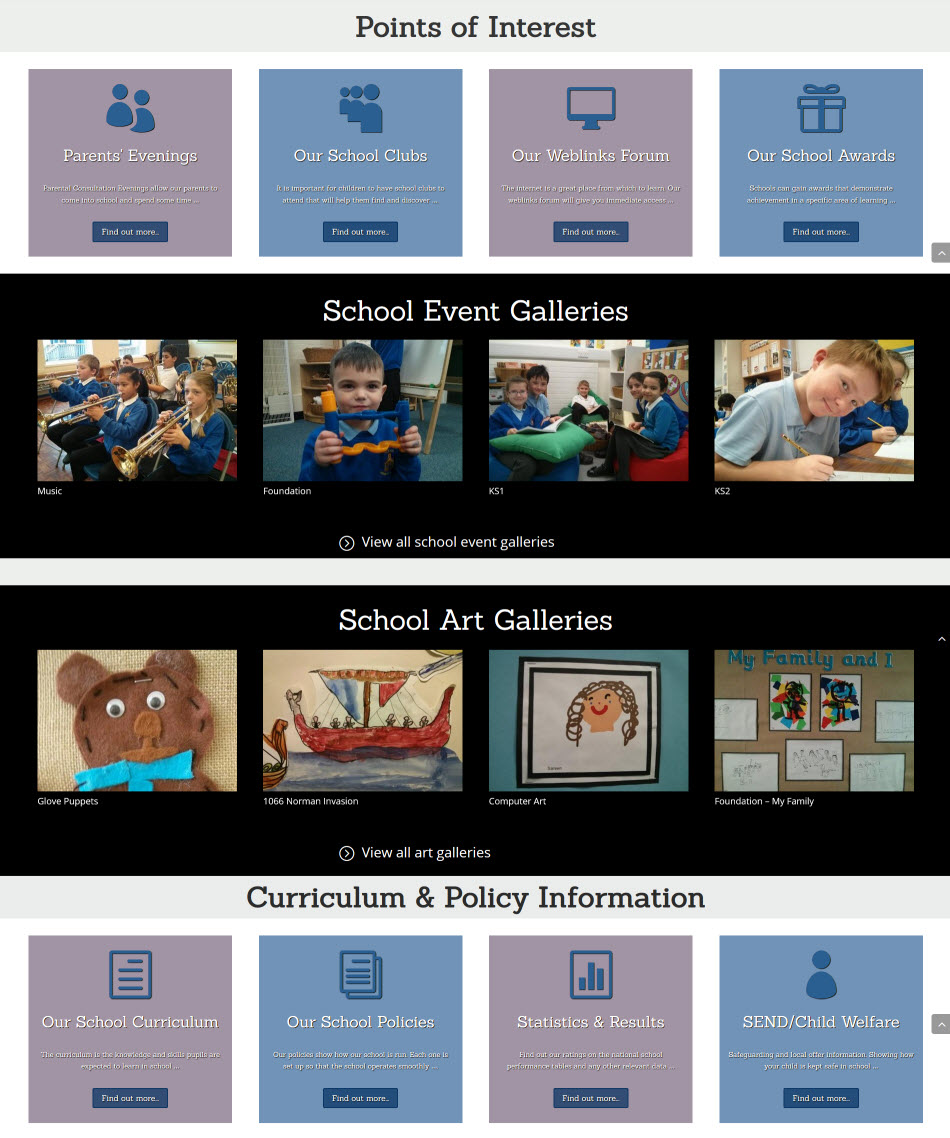
Points of Interest
Here we have four miscellanous page links that are grouped together for easy access covering parents’ evening dates, school clubs details, a web links forum and school awards achieved.
School Event Galleries
Here we create interactive image galleries that will show the different aspects of school life. It will focus on the activities and achievements of the school lessons and clubs. It is very easy to add new galleries to the website when you have a new set of images from a school trip or a special event.
Art Galleries
Here we have images of the children’s art and craft work as well as technichal design lessons where items area created to fit a specific learning criteria.
Curriculum Information
Here you can get an outline of the topics that the children will learn each term along with long term plans and other documents that either outline learning or aid learning. You can also see the statistics and results page which show achievement tables and school surveys.
Policies and Child Welfare
Find out how we run our school. The policy documents will show how we go about our daily work and they cover all aspects of school life. The SEND / Child Welfare page will show our provision for SEN and any other needs that the children may have.
Prospectus & Premiums
extra space
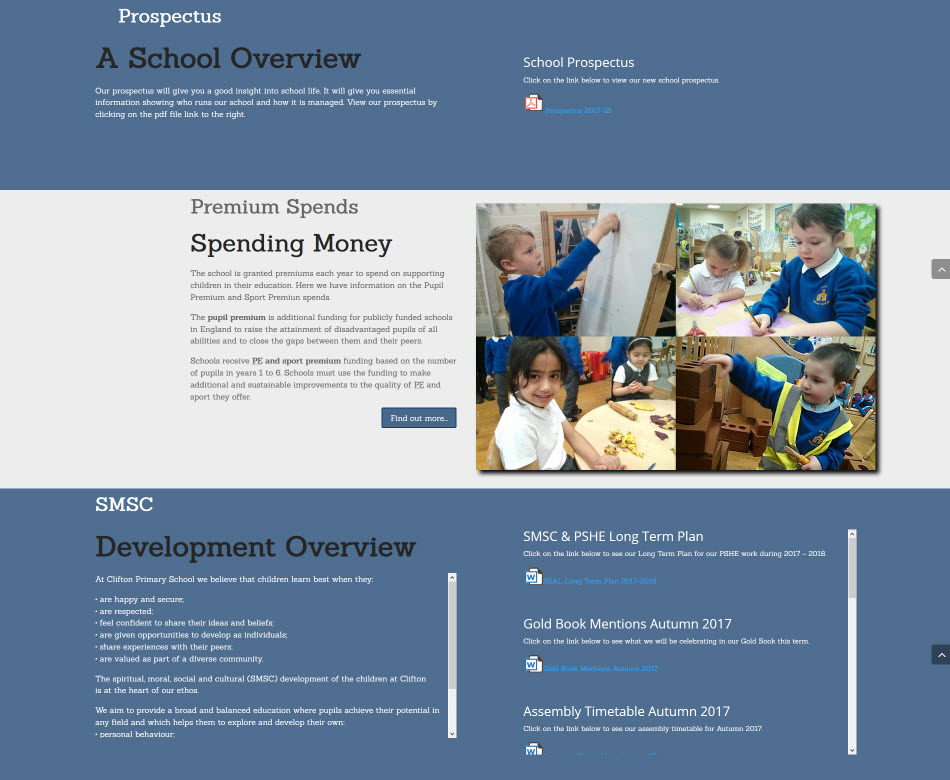
School Prospectus
You school prospects can be listed as a single pdf file.
Premium Spends
Here we provide a brief text overview of what premium spends are with a link to a page where there are two feeds, one for pupil premium and the other for sports premium.
Featured Image
Next to the premiun spends we provide an image of school life, not to specifically show what those premiums are spent on, but just to emphasise the busy school environment.
Extra Space
Here you can see that the school has added in an extra section that is particular to their school. We have the capacity to add in items of information that are important to you, such as being a ‘Green School’ where your projects can get extra mention.
Weblinks – Uniform
& tours
Four External Links
Here we provide the four external links that Ofsted requires your site to have, the LA, Ofsted report, Parent View and your school performance tables.
School Uniform
If your school uniform doesn’t have a specialist online seller you’ll see an image in this part of the website that shows off the uniform. If your parents get a good deal from an online seller of your recommendation, then this part of the website will have a link to their website.
Panoramic Tours
Not every school has panoramic tours on their website, as they cost extra to create above the normal setup price. However, if you want panoramic tours then here’s where they will be. They show the different resource rooms and spaces that are available to your children.

Contact Details
High contrast
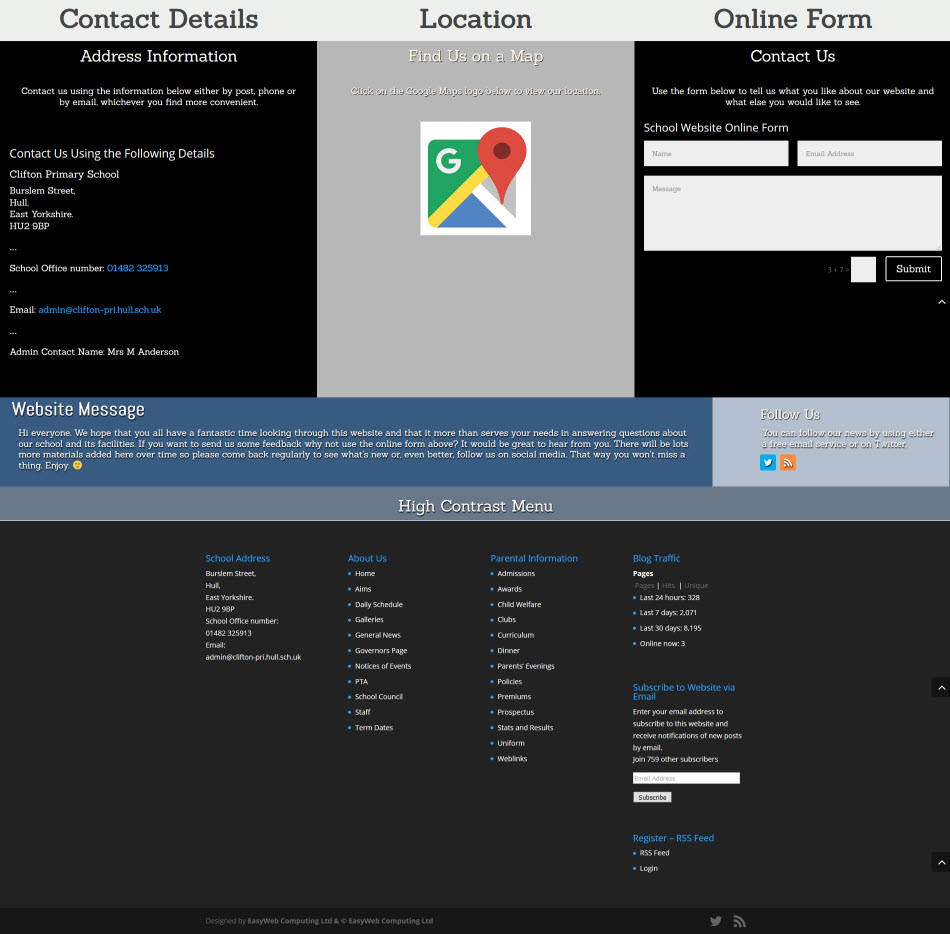
Address Information
The school address along with telephone number, email and contact name.
Location
A popup link to Google maps so that the map appears in a new window where the website viewer can not only see the school but also get directions from where they are to where you are.
Online Form
For soneone to use who needs to ask you a question. The form requires the person to have an email address so that you can reply.
Goodbye Message
A message to say ‘thanks for looking at our website’ and a reminder to use the follow options and free email subscription service.
Follow Options
Follow icons that the user to use to follow you on the Web2 platform of your choice.
High Contrast Area
School Address, links to the website’s pages along with a traffic widget and a free email subscription service.
Take A Peek
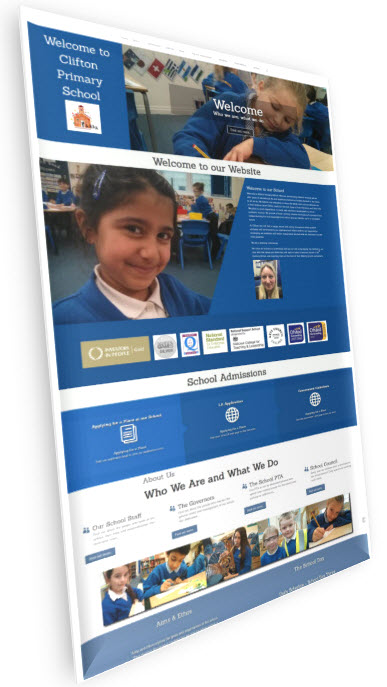
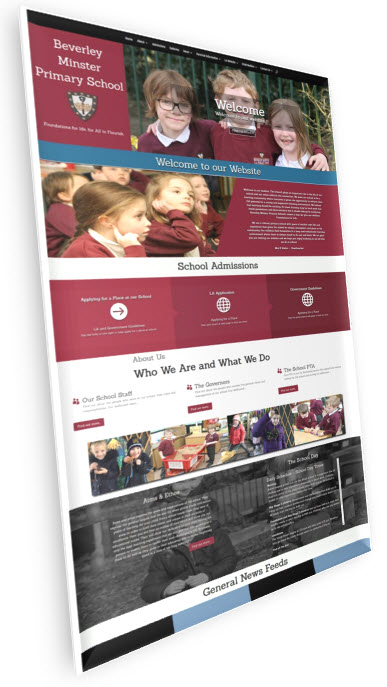
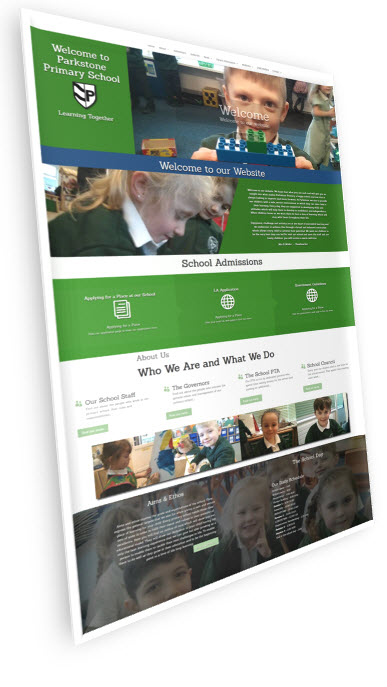
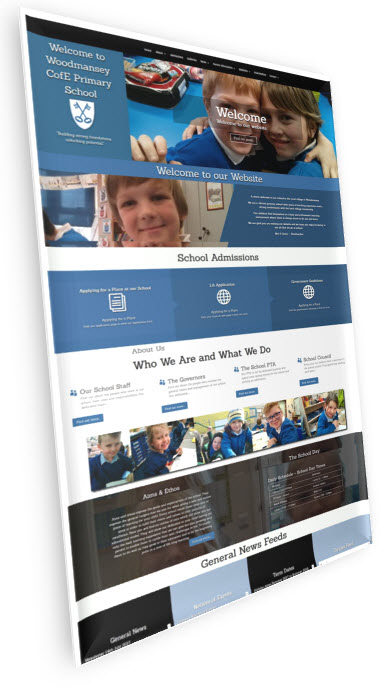
Here are some example schools who have this currently promoted website style.
Click on the images below to view.
Clifton Primary
Beverley Minster
Parkstone Primary
Woodmansey Primary
You can email, phone or use the online form.
Send us an email to talk about a new website or find out more about our services.
Phone
If you need to chat on the phone, then just give us a call. We'll be very happy to answer your questions.
Online Form